


WEBCAM · MEDIAPIPE
Live analysis, no saved video.
Each frame is processed on your Mac to estimate body position, then discarded.
For Apple Silicon
Ortho uses your camera, compatible AirPods, or both to notice sustained drift from your calibrated working position. Your posture data stays on your Mac.
Research hasn’t identified one sitting posture that prevents back pain. Some neck-position measurements are associated with pain, but posture alone doesn’t explain it (Swain et al., 2020; Rani et al., 2023).
Movement breaks and changes in position reduced new episodes of neck and back pain in a trial of 193 higher-risk office workers (Waongenngarm et al., 2021).
Comfortable posture varies from person to person. Choose a working position that feels comfortable, and change it throughout the day instead of holding yourself rigidly upright (Slater et al., 2019).
When you’re focused on work, changes in how you sit can go unnoticed. Ortho tracks sustained drift from your calibrated working position and brings it to your attention, so you can adjust without constantly checking yourself.
Demo
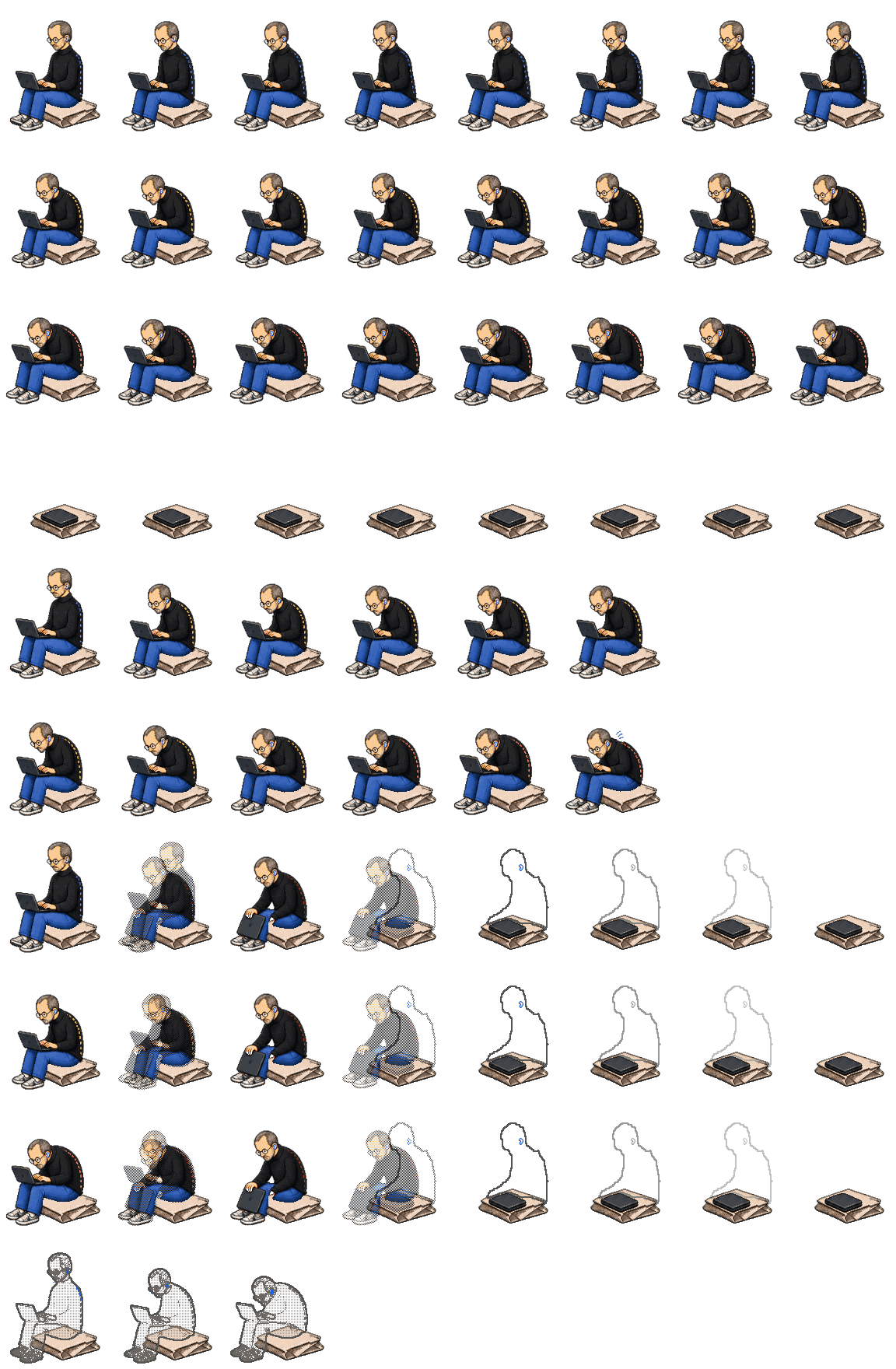
Steve acts out posture changes so you can see how Ortho responds. He appears only in this demo.
Try it swipe across the Mac, then move between Today, Activity and Settings. Preview a nudge with the controls below.
Calibrating your neutral
Shoulders relaxed, back supported, facing your main screen. Don't hold a rigid pose — Ortho is learning what comfortable looks like for you, not what plumb looks like.
Today, still running
1h 40m at the desk · 1h 40m window
27h 51m at the desk
Sees you — the only posture evidence
Keeps them honest — context only, never a vote
What every reading is measured from
What Ortho keeps
What Ortho never touches
Ambient status
Automatic uses the notch when the display has one, and the menu bar when it does not. Closing the window never stops Ortho.
Camera tracking
Camera tracking pauses during calls. Reminders stay quiet during calls and screen sharing.
Nudges
General
Time for a reset
Your head has been tilted down for a while. Try a comfortable reset.
Try it — explore Today, Activity and Settings. Preview a nudge with the controls below.
Previews run independently of Steve’s posture.
Enable JavaScript to preview nudges.
Sensors
No extra hardware. Two of them watch you: the camera and your AirPods. The other three watch the Mac, so a laptop that moved never gets read as a you that moved.
Five sensors
Scroll to light each one up, and see which ones are allowed to say something about you.
Privacy
Ortho analyzes sensor data on your Mac. Your calibration and preferences are saved locally; camera images and sensor readings aren't uploaded.
WEBCAM · MEDIAPIPE
Each frame is processed on your Mac to estimate body position, then discarded.
AIRPODS · CORE MOTION
AirPods send head-motion readings to your Mac. Ortho never accesses the microphone.
MAC HARDWARE · SENSOR INTERFACE
Built-in sensors provide movement and lid-angle readings to help interpret your setup.
Compatibility
You'll need an Apple Silicon Mac running macOS 14 Sonoma or later, plus a camera or compatible AirPods or Beats.
Use just your camera for face and upper-body tracking, or headphones for head tilt only. You can use both.
AirPods 1st and 2nd gen lack motion sensors.
Movement and lid angle, where supported, stop laptop motion being mistaken for yours. They never judge posture.
Lid angle reading needs the lid open.
Nothing is sent. Your camera is never opened.
FAQ
Continuous tracking is the default, or you can choose periodic camera checks every 5, 10, or 15 minutes. The camera indicator appears during capture; between periodic checks, Ortho cannot observe your position through the camera. Pausing Ortho stops sensing and reminders until you resume.
Ortho automatically pauses camera tracking during video calls and suppresses reminders during calls and screen sharing. Camera tracking resumes afterward unless you manually paused Ortho or turned the camera off.
No—temporary movement alone does not trigger a reminder; Ortho looks for sustained drift from your calibrated working position. You can adjust the reminder delay and cooldown, and reminders are held while Focus is on. Changing position throughout the day is encouraged.
Camera tracking uses your Mac's camera and processing resources. You can choose periodic checks, use compatible AirPods for head-tilt tracking with the camera off, or pause sensing entirely. Resource use depends on your Mac and the tracking mode you choose.
Yes—compatible AirPods or Beats can track head tilt without camera access. Headphone tracking covers head tilt only; camera tracking adds face and upper-body information.
Posture analysis works offline, and your calibration and preferences stay on your Mac. Ortho does not save photos, video, raw sensor samples, or numerical session recordings, and it does not upload posture data. AirPods provide motion readings, not microphone audio.
The private beta is free. Pricing after beta has not been announced.
Private beta
We're testing with a small group first so we can actually talk to everyone using it. Drop your email and we'll reach out when there's a spot.
Any Apple Silicon Mac on macOS 14 Sonoma or later.